Best AI Lip Sync Tools in 2026: 5 Tools for Realistic Voice Synchronization
September 10, 2026
AI lip sync technology has made it much easier to change dialogue, localize videos, and create talking digital characters without manually animating every mouth movement.
Instead of editing lip movements frame by frame, AI-powered tools analyze speech and generate facial or mouth movements that correspond to the audio. Depending on the platform, you can use the technology for video dubbing, AI avatars, talking photos, multilingual content, social media videos, and other forms of digital media.
But not every AI lip sync tool is designed for the same job.
Some platforms focus on dedicated lip synchronization and developer APIs. Others combine lip sync with AI avatars, video translation, talking photos, or full video editing. Pricing also varies considerably because some services charge subscriptions while others use credits or pay-per-second processing.
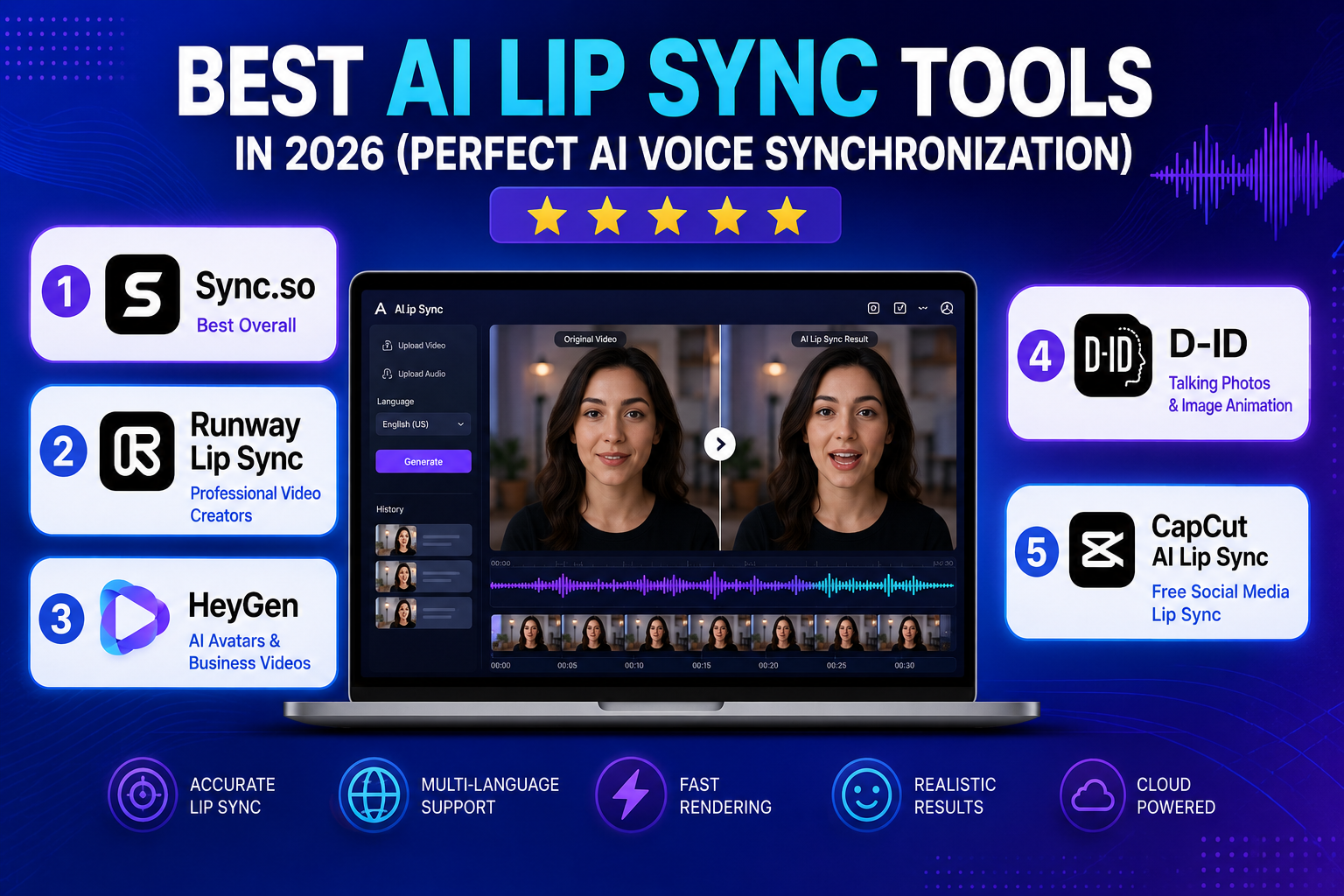
In this guide, we compare five popular AI lip sync platforms based on their current features, workflow, pricing structure, and intended use cases.
Important: This is an editorial comparison based on current official product documentation and pricing information. It is not a controlled laboratory benchmark, and the tools are not assigned artificial star ratings.
Quick Comparison
| Tool | Best For | Lip Sync | Video Translation | API | Free Access |
|---|---|---|---|---|---|
| Sync.so | Dedicated lip sync & developers | Yes | Yes | Yes | Limited free generation |
| Runway | AI video production | Yes / integrated workflow | Depends on workflow | Yes | Free tier |
| HeyGen | AI avatars & localization | Yes | Yes | Yes | Free plan |
| D-ID | Talking photos & digital humans | Yes | Yes | Yes | Free trial |
| CapCut | Social media & simple projects | Yes | Limited/feature-dependent | No focus on API | Free tool |
Pricing and features checked September 10, 2026. Prices, credits, and regional availability can change.
How We Evaluated These AI Lip Sync Tools
Rather than giving each platform an arbitrary score, we looked at the factors that matter when choosing an AI lip sync service:
- Lip-sync workflow: How directly the platform handles speech-to-mouth synchronization.
- Video creation features: Whether it also provides avatars, editing, generation, or translation.
- Language and localization: Useful for multilingual videos and dubbing.
- Ease of use: Whether beginners can create results without a complicated production workflow.
- Developer support: Important for companies that want to integrate lip sync into an application.
- Pricing model: Subscription, credits, usage-based pricing, or free access.
- Best use case: The type of creator or project the platform is most suited to.
This approach is more useful than a simple star rating because a tool that is excellent for an API-driven application may not be the best choice for someone making TikTok videos.
1. Sync.so — Best for Dedicated AI Lip Sync
Sync.so is particularly interesting if lip synchronization itself is the main requirement rather than just one feature inside a larger video editor.
The platform provides a web-based LipSync Studio as well as API and SDK access, making it suitable for both individual creators and developers building automated video workflows.
Its current pricing uses a subscription plus usage-based model. The Hobbyist plan starts at $5/month plus usage, while Creator is $19/month plus usage. Higher tiers increase video duration, concurrency, voice-cloning capacity, and other capabilities.
Sync.so also publishes per-second pricing for different models. For example, its current documentation lists lipsync-2 at approximately $0.04–$0.05 per second, depending on the plan.
Why Sync.so stands out
The biggest advantage is specialization.
Instead of treating lip sync as a small feature inside a general video editor, Sync.so provides dedicated lip-sync models, API access, voice-related workflows, dubbing capabilities, and usage controls.
That makes it particularly relevant for:
- AI video applications
- SaaS products
- Developers
- Video localization platforms
- Content automation
- AI avatar systems
- Creators who need repeatable lip-sync workflows
Current pricing
| Plan | Base price | Maximum video length |
|---|---|---|
| Hobbyist | $5/month + usage | 1 minute |
| Creator | $19/month + usage | 5 minutes |
| Growth | $49/month + usage | 10 minutes |
| Scale | $249/month + usage | 30 minutes |
Free accounts currently receive limited free generations, with the free workflow capped at short clips.
Best for
Choose Sync.so if lip synchronization is the core of your project or you need API access.
2. Runway — Best for AI Video Production Workflows
Runway takes a different approach.
Rather than being primarily a dedicated lip-sync platform, it is a broader AI video creation environment. That makes it attractive when lip synchronization is only one part of a larger production workflow.
Runway has been moving several former standalone tools into its newer Apps and integrated workflows. Its documentation shows that the standalone Lip Sync tool was deprecated in May 2026 and the functionality moved into newer Runway experiences.
That distinction matters when following older tutorials or articles: instructions referring to an old standalone “Lip Sync” page may no longer match the current Runway interface.
Why choose Runway?
Runway makes more sense when your project also involves:
- AI video generation
- Video editing
- Generative effects
- Character animation
- Visual effects
- Background manipulation
- Creative experimentation
The advantage is having multiple AI video capabilities inside one ecosystem instead of moving files between several specialized tools.
Main limitation
If your only requirement is “take this existing video and synchronize it to new audio,” a dedicated lip-sync platform may provide a more focused workflow.
Best for
Choose Runway when lip sync is part of a larger AI video production process.
3. HeyGen — Best for AI Avatars and Video Localization
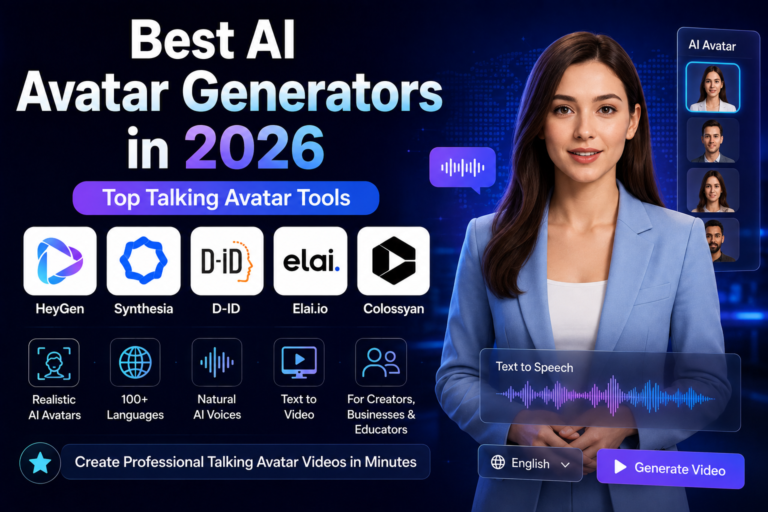
HeyGen is better understood as an AI video and avatar platform that includes lip synchronization as part of its broader video-generation and localization workflow.
It is particularly useful for businesses, educators, marketers, and creators who want an AI presenter to speak in different languages without recording every version manually.
HeyGen’s current Free plan includes up to 3 videos per month, with videos up to one minute. The Creator plan is currently listed at $29/month, Pro at $49/month, and Business at $149/month. Annual billing can reduce some plan prices.
For video translation, HeyGen currently supports different processing modes. Its documentation lists 6 credits per minute for Speed lip-sync translation and 10 credits per minute for Precision lip-sync translation.
Why HeyGen is useful
The platform combines several tasks that would otherwise require multiple tools:
- Create or select an AI avatar.
- Generate or provide the voice.
- Create the video.
- Translate the content.
- Synchronize the translated speech with the avatar.
This makes it particularly practical for business localization.
Current pricing
| Plan | Current price | Notable video features |
|---|---|---|
| Free | $0/month | Up to 3 videos/month |
| Creator | $29/month | Up to 30-minute videos, 1080p |
| Pro | $49/month | Up to 30-minute videos, 4K |
| Business | $149/month | Up to 60-minute videos, 4K |
Best for
- AI presenters
- Corporate training
- Marketing videos
- Online education
- Multilingual campaigns
- Video localization
- Sales and product videos
Choose HeyGen if you want lip sync as part of a complete AI-avatar workflow rather than a standalone lip-sync tool.
4. D-ID — Best for Talking Photos and Digital Humans
D-ID is particularly well known for turning still images and digital characters into talking video presenters.
Its current Creative Reality Studio can transform text, audio, or still images into avatar-driven videos. The platform is available through a browser-based workflow and also provides API products for developers.
D-ID also offers video translation that synchronizes the speaker’s mouth movements with translated audio.
One useful distinction is that D-ID is not simply a “lip sync generator.” Its core value comes from combining facial animation, avatars, voice, and video generation.
Current API pricing example
D-ID’s current API pricing lists:
- Trial: $0
- Build: $14.40/month when billed annually
- Launch: $35/month
- Scale: $138.60/month when billed annually
The exact features, credits, commercial rights, and avatar capabilities vary by plan.
D-ID states that standard presenters can output up to 1280 × 1280 pixels, while supported premium presenters can reach 1080p on eligible plans.
Another interesting point
D-ID has published a June 2026 benchmark comparing its real-time avatar lip-sync performance with several competitors using SyncNet-based measurements. In that company’s published test, D-ID reported the lowest LSE-D score among the platforms it tested. Because this is vendor-published benchmarking, it should be treated as D-ID’s own test result, not an independent industry-wide ranking.
Best for
- Talking photos
- Digital humans
- Educational presenters
- Marketing videos
- Historical characters
- AI-powered presentations
- Developer integrations
Choose D-ID when the starting point is a photo, avatar, or digital human rather than a traditional filmed video.
5. CapCut — Best for Social Media Creators
CapCut is a practical option for creators who want lip synchronization alongside a full social-media editing workflow.
Its current AI Lip Sync tool can work with real people, virtual avatars, and even pets. CapCut says the feature supports 13 languages and more than 1,000 AI-generated voices, while also allowing users to upload their own voice.
The workflow is straightforward: import a video or image, add dialogue or audio, generate the lip movements, preview the result, and then continue editing inside CapCut.
However, availability can depend on the version and region. CapCut’s own support documentation notes that the lip-sync feature may not appear in every region or version of the application.
Pricing
CapCut does not publish one universal Pro price for every user. Its support documentation says pricing can vary by region, device, taxes, and promotions.
That makes it better to check the price displayed inside your own CapCut account before publishing a specific dollar amount.
Best for
- TikTok
- YouTube Shorts
- Instagram Reels
- Social media marketing
- Beginner creators
- Quick talking-character videos
- Short-form content
Choose CapCut when you want lip sync and conventional video editing in the same workflow.
Which AI Lip Sync Tool Should You Choose?
The best option depends on what you actually need.
| Your goal | Recommended tool |
|---|---|
| Dedicated lip-sync workflow and API | Sync.so |
| AI video creation and creative production | Runway |
| AI presenters and multilingual business videos | HeyGen |
| Talking photos and digital humans | D-ID |
| Social media editing and simple lip sync | CapCut |
There is no universal winner because these platforms solve slightly different problems.
A developer building an AI video application may prefer Sync.so, while a marketing team creating multilingual presenters may get more value from HeyGen.
AI Lip Sync vs. AI Video Translation
These terms are often used interchangeably, but they are not exactly the same.
AI lip sync means matching mouth and facial movements to an audio track.
AI video translation generally involves a larger workflow:
- Transcribe the original speech.
- Translate the text.
- Generate or modify the voice.
- Synchronize the translated audio with the speaker’s mouth.
- Produce the localized video.
Some platforms, including HeyGen and D-ID, combine these steps into a single workflow.
If your goal is simply to replace the audio of an existing video, you may not need a complete AI avatar platform.
How to Choose an AI Lip Sync Tool
1. Start With Your Source Material
First determine what you already have.
Are you working with:
- A real person’s video?
- A photograph?
- An AI avatar?
- An animated character?
- A generated video?
- A translated voice recording?
The answer can immediately eliminate some platforms.
For example, a talking-photo project points naturally toward D-ID, while an API-driven lip-sync application is more likely to benefit from Sync.so.
2. Decide Whether You Need Translation
If you only need to synchronize new audio with existing visuals, look for a dedicated lip-sync workflow.
If you need:
transcription → translation → voice generation → lip sync
then a video localization platform such as HeyGen or D-ID may be more convenient.
3. Check Voice Options
Voice workflows vary significantly between platforms.
Check whether the service allows:
- Text-to-speech
- Uploaded audio
- Voice cloning
- Multiple languages
- Multiple speakers
- Custom voices
- Existing translated audio
If you already have the final audio file, prioritize platforms that allow you to upload it directly.
4. Consider Your Production Volume
Pricing becomes particularly important when creating many videos.
A $10 subscription can look inexpensive until every generated second also consumes usage credits.
Before choosing a platform, calculate the approximate cost of producing:
- One 30-second video
- Ten 1-minute videos
- One 10-minute video
- 100 localized clips
Usage-based pricing can make a major difference at scale.
5. Check Commercial Rights
If you’re creating content for a business, don’t look only at the technical quality.
Check the plan’s licensing terms for:
- Commercial use
- Client work
- Advertising
- Voice cloning
- Avatar ownership
- API usage
- Generated-content rights
These conditions can vary between plans.
Tips for Better AI Lip Sync Results
Use a Clear Face
Lip-sync systems generally perform better when the mouth and face are clearly visible.
Avoid source footage where the face is:
- Extremely small
- Heavily blurred
- Covered by objects
- Frequently hidden
- Strongly distorted
Use Clean Audio
Audio quality matters.
Background noise, overlapping speakers, long pauses, or heavily distorted recordings can make automated synchronization more difficult.
Whenever possible, start with a clean voice recording.
Keep the Speaker’s Face Visible
Front-facing or moderately angled footage is usually easier to process than footage in which the speaker repeatedly turns away from the camera.
This is especially important when creating talking-photo or avatar content.
Preview Short Sections First
Don’t immediately process a 20-minute project.
Start with a short representative clip.
Check:
- Mouth timing
- Pronunciation
- Facial movement
- Audio synchronization
- Strange mouth shapes
- Cuts between scenes
If the result looks good, process the longer project.
Keep the Original File
Always preserve the original video and audio.
AI-generated versions should be treated as new outputs rather than replacements for your source files.
What AI Lip Sync Still Can’t Do Perfectly
AI lip sync has improved significantly, but it is not magic.
The system does not have access to the exact facial movements that would have been recorded with the new audio. It generates a plausible animation based on the available visual information and speech.
This means difficult source material can still produce artifacts.
Common problem cases include:
- Very low-resolution footage
- Extreme head turns
- Hands covering the mouth
- Rapid camera movement
- Multiple people speaking
- Heavy facial occlusion
- Unusual pronunciation
- Highly expressive performances
For important commercial or cinematic work, always review the generated result before publishing.
Common AI Lip Sync Mistakes
Choosing a Tool Based Only on Its Free Plan
A free plan may be enough for testing but unsuitable for a production workflow.
Check video duration, watermarks, credits, resolution, commercial rights, and export restrictions.
Confusing Lip Sync With Video Translation
If you need complete multilingual localization, a basic lip-sync tool may not provide transcription, translation, or voice generation.
Ignoring Usage-Based Pricing
Some platforms combine subscriptions with per-second or credit-based charges.
Always calculate the expected cost of your actual workflow.
Using Poor Source Footage
AI cannot always compensate for a face that is tiny, blurry, blocked, or heavily compressed.
Publishing Without Reviewing the Output
Even when the synchronization looks good overall, individual words or frames can contain noticeable artifacts.
Watch the entire final export before publishing.
Frequently Asked Questions
What are AI lip sync tools?
AI lip sync tools use machine-learning models to synchronize facial or mouth movements with spoken audio. Depending on the platform, they can be used with recorded videos, photos, avatars, or generated characters.
What is the best AI lip sync tool in 2026?
There isn’t one universal winner.
Sync.so is a strong choice for dedicated lip-sync workflows and API integrations, HeyGen is better suited to AI avatars and video localization, D-ID works well for talking photos and digital humans, Runway fits broader AI video production, and CapCut is convenient for social-media editing.
Is AI lip sync free?
Some platforms provide free plans or trials, but limitations vary.
Sync.so currently provides limited free generations, while HeyGen has a free plan with up to three videos per month. D-ID also provides a free trial. CapCut offers a free lip-sync tool, although feature availability can vary by region and software version.
Can AI lip sync translate a video?
Yes, but translation and lip synchronization are separate processes.
Platforms such as HeyGen and D-ID combine translation with voice generation and lip synchronization, allowing the same video to be localized into other languages.
Which AI lip sync tool is best for talking photos?
D-ID is a particularly natural fit because its platform is designed around avatar-driven videos created from images, scripts, audio, and AI-generated presenters.
Which AI lip sync tool is best for social media?
CapCut is a practical option for short-form creators because lip sync is integrated into a broader video-editing workflow. Its official tool supports real people, avatars, and other subjects, along with multiple languages and AI voices.
Which tool is best for developers?
Sync.so is one of the clearest choices in this comparison because API and SDK access are built into its product offering and pricing structure.
Does AI lip sync make videos look completely real?
Not necessarily.
The quality can be very convincing, but results depend on the source footage, audio, face visibility, movement, and model being used. AI-generated mouth movements can still contain artifacts, so important videos should always be reviewed before publication.
Final Verdict
AI lip sync has moved from a specialized post-production task into a practical feature for creators, businesses, developers, and video teams.
The best tool depends on your workflow:
- Sync.so — best when dedicated lip synchronization and API access are the priority.
- Runway — best when lip sync is part of a broader AI video production workflow.
- HeyGen — best for AI presenters, business videos, and multilingual localization.
- D-ID — best for talking photos and digital humans.
- CapCut — best for creators who want simple lip sync inside a social-media video editor.
Instead of choosing the platform with the highest-looking rating, test a short clip with your actual footage and audio. The most important question is not which tool looks best on paper, but which one produces the most natural result for your specific source material and workflow.
Sources
The following primary sources were used to verify current product information and Google publishing guidance:
- Google AdSense: Make sure your site’s pages are ready
- Google AdSense: Content quality and approval guidance
- Sync.so pricing
- HeyGen pricing
- D-ID Creative Reality Studio
- D-ID pricing
- CapCut AI Lip Sync
- CapCut Lip Sync support
- Runway tool updates
Related Articles
Continue exploring our AI video software guides: